 Bitcoin
 PayPal
Quick Start
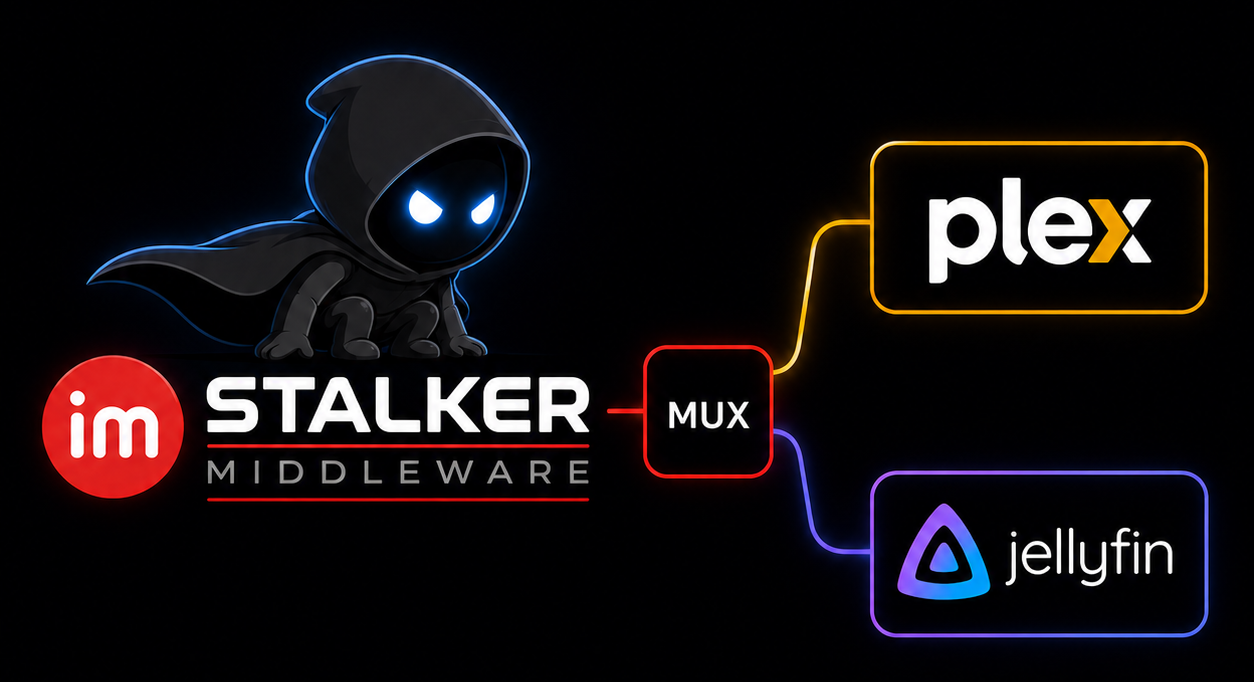
Two paths, both from this one service — use whichever player you have (or both). The links below are the files actually exported and running right now.
Connect Jellyfin — M3U + XMLTV
Point the tuner at a playlist and its matching guide. Use the full pair for the whole lineup, or one chunk playlist with its paired chunk guide.
M3U input
- Full lineuphttp://192.168.20.45:32300/TVChannels.m3u
- Chunk 01http://192.168.20.45:32300/TVChannels-01.m3u
EPG / guide input
- Full guidehttp://192.168.20.45:32300/epg.xml
- Guide 01http://192.168.20.45:32300/epg-01.xml
Chunk playlist + matching guide (1:1)
- http://192.168.20.45:32300/TVChannels-01.m3u → http://192.168.20.45:32300/epg-01.xml
Channel–EPG mapping is automatic — each M3U line’s tvg-id matches the <channel id=…> in its guide file.
- 192.168.20.45 (the host in the links above) is the name or IP the player resolves to reach this service — a Docker service name on a shared network, or the LAN IP. If the player runs elsewhere, set the Public host to a name it can resolve and these links regenerate with it.
Connect Plex — built-in HDHomeRun
Every chunk is served as its own HDHomeRun device (/ch/NN) with the full DVR API — the native protocol Plex speaks, so there is no Threadfin/xTeVe in between. Add each device below by URL (or run a DVR scan to auto-discover them over SSDP). When Plex asks for a guide, paste the XML EPG guide URL for that device.
HDHomeRun devices (one per chunk)
- Device /ch/01http://192.168.20.45:32300/ch/01
EPG guide URL (paste when Plex asks)
- Device /ch/01http://192.168.20.45:32300/epg-01.xml
- Full lineuphttp://192.168.20.45:32300/epg.xml
- Make sure HDHomeRun DVR is the tuner under Settings → Live TV & DVR → Tuner (it is by default).
- Add each device URL above in the same DVR area (or run a DVR scan to auto-discover them). When Plex asks for the XML EPG guide URL, paste that device’s guide from the list above — each device uses its own epg-NN.xml, matching its channel lineup.
- Run a channel scan. The lineup and per-channel guide come from each device’s lineup/program endpoints; the epg-NN.xml guide is the same XMLTV file, in the form Plex’s add-device dialog expects.
- 192.168.20.45 is baked into every device’s lineup.json / discovery.json URLBase and every M3U proxy line — set it (setup page or PUBLIC_HOST) to a name Plex can resolve.
- SSDP is best-effort: if a DVR scan finds nothing, the Add by URL path is plain HTTP and always works (or run with network_mode: host).